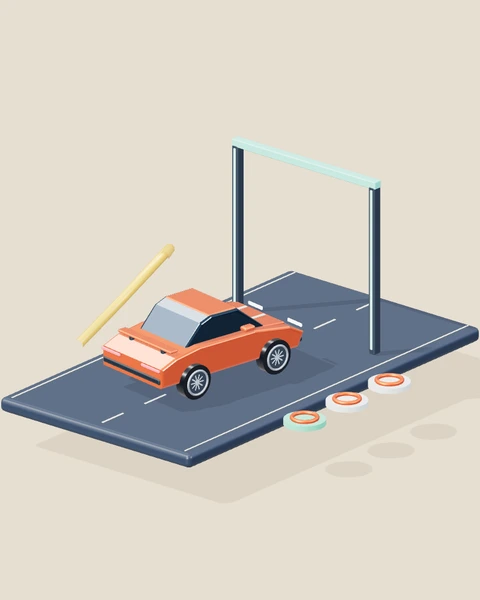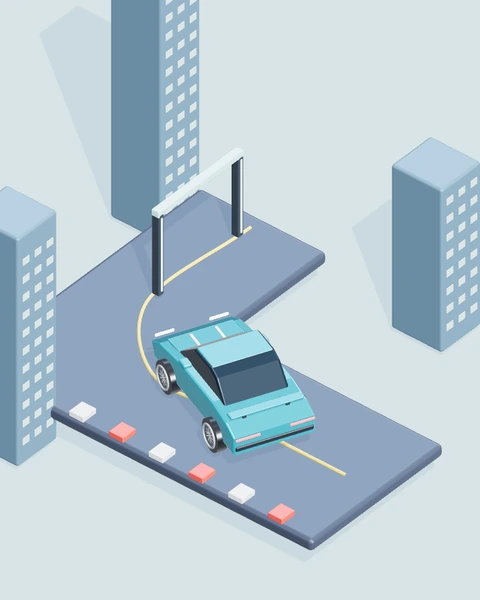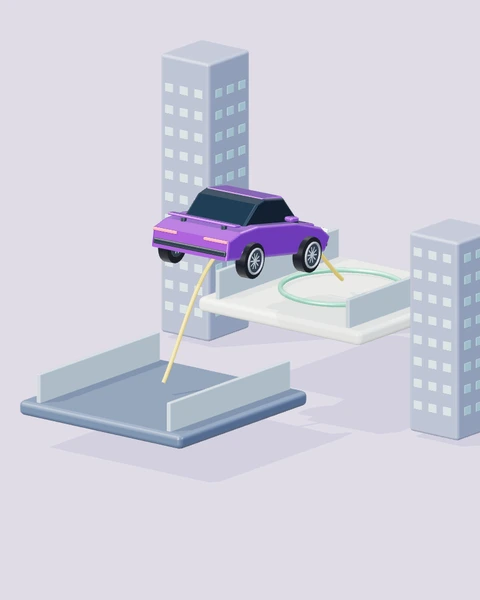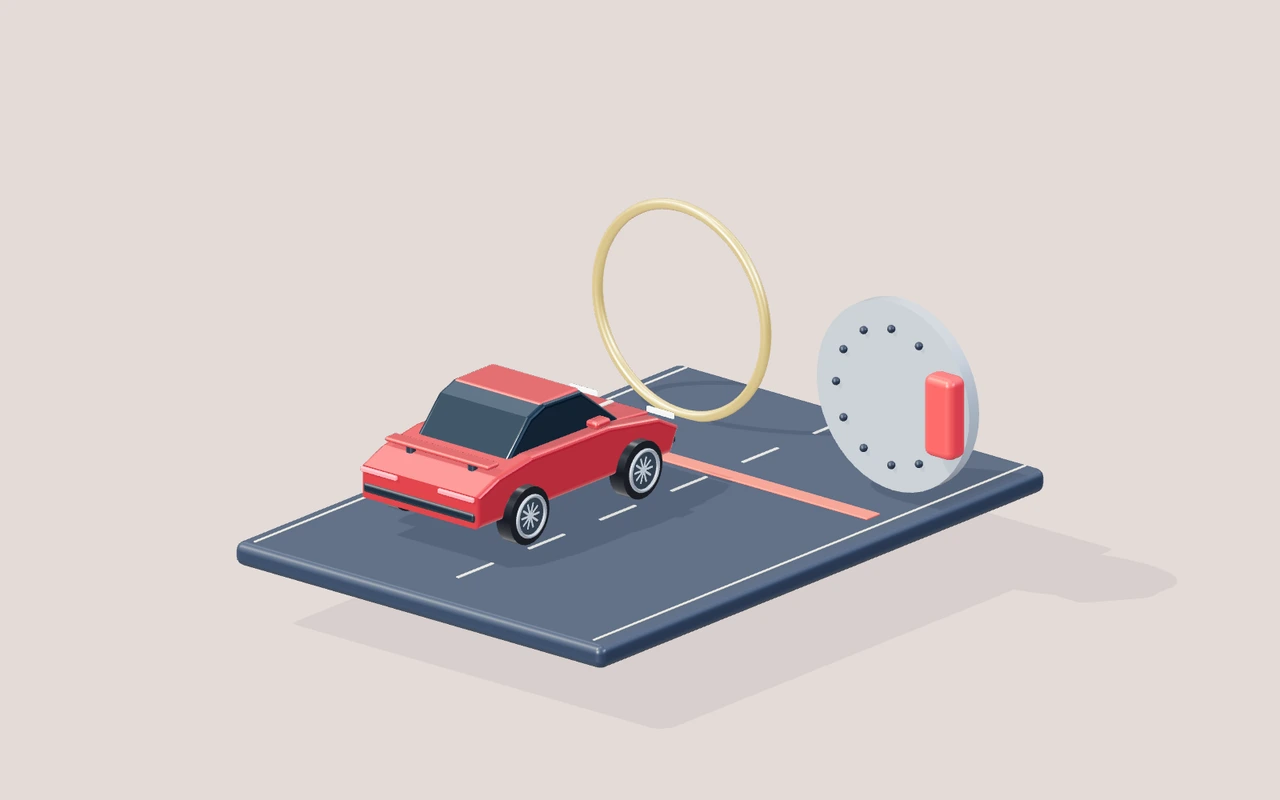
Many awkward driving attempts begin with a simple confusion: the player wants to slow down but keeps holding the same button until the car starts reversing. They then add a direction input, the vehicle turns the opposite way to the expected forward turn, and the parking position becomes worse. A game does not need harsh simulation physics for this to be a meaningful challenge. It needs predictable controls and a chance to practise them. This article explains a calmer sequence using Precision Parking, then connects it to the stable handling, three-life recovery and reset controls in the current vehicle collection.
Slow first: A brake is not an emergency steering system
Braking is a decision about movement before it is a decision about direction. If the car is approaching a bay too quickly, first reduce that approach speed. Adding a large direction input while still travelling quickly can make the final alignment harder to judge. You may end up correcting one error by creating another.
Practise a straight approach without attempting a complete parking manoeuvre. Accelerate briefly, release the throttle, apply the brake and notice the distance used before the car settles. Repeat from the same starting position with an earlier brake. The point is to recognise a comfortable stopping margin, not calculate a real-world braking distance from a stylised browser game. Once the stop becomes predictable, the rest of the manoeuvre can be assembled around it.
Reverse deliberately: Let forward movement settle
The backward control should be used deliberately after the vehicle has slowed. In the new physical car challenges, the brake first brings forward movement toward a stop. Continued input then allows a limited reverse pace. That separation avoids turning ordinary braking into an abrupt wheel impulse or an unexpected jump.
Watch the scene rather than holding the button until you lose track of the car’s movement. A short reverse input may be enough to create room for another approach. If you are still moving forward, reverse steering should not yet be treated as a completed backward manoeuvre. Release the control when enough room has opened, look at the target again, and choose the next direction. The aim is a series of understandable movements, not a continuous struggle with every button held down.
Steering changes with direction: Watch the vehicle, not the key
A backward-moving car does not trace the same path as a forward-moving car under the same steering input. This is one reason parking can remain interesting even with forgiving arcade handling. The direction key is only one part of the situation; the vehicle’s heading, direction of travel and distance to the obstacle matter too.
Make a small backward turn in an open part of the parking area. Release the direction early and watch the car’s nose and rear separately. Then drive forward with a similarly short turn and compare the paths. This exercise is more useful than memorising a long sequence of keys. When a target lies behind the car, think about where the rear is moving and how much turning room remains before choosing another input.
Build a parking attempt: Position, align, settle
A bay is easier to approach when you separate three stages. Position the car where a manageable line into the target exists. Align the vehicle with that line using small movements. Finally, let it settle inside the bay. Precision Parking checks more than whether some part of the car has briefly crossed a painted rectangle.
Read the active bay and its guide before committing to a manoeuvre. If the car is inside the area but the objective has not advanced, examine heading and stillness. A tiny ongoing movement can matter even when the position looks reasonable. Releasing the controls and allowing a settled stop may be a better next action than another correction. If alignment is clearly wrong, reverse out enough to create a fresh approach instead of attempting an endless series of tiny turns against a boundary.
Recovery is a control: Use it when the position is unhelpful
Reset vehicle returns an awkward position to a safe checkpoint in the new physical challenges. It is a practical control, not a substitute for learning every manoeuvre. Use it when a car has become wedged, the useful route is no longer clear, or you want to begin the same exercise from a consistent supported position.
Detected failures use the three-life system and offer Continue. The vehicle is placed safely before the attempt resumes. Cargo, pursuit and bike modes also restore the relevant supporting state, so a recovery should not immediately fail because a missing crate or old impact remained unresolved. After the final life, Play again starts a fresh session. Keeping recovery inside the player helps you stay focused on the game instead of refreshing the whole page whenever something goes wrong.
Choose the next correction: Diagnose one visible error
A useful correction begins with what the car actually did. If it overshot, reduce approach speed or brake earlier. If it reached the target at the wrong angle, change the setup position or release steering sooner. If it was aligned but never settled, stop adding movement long enough for the game to recognise the parked state.
These are different problems. Reversing harder will not necessarily fix an angle, and steering harder will not necessarily fix an overshoot. Watch one attempt closely enough to choose which error dominated it. A short note such as “good position, too much angle” is enough to make the next attempt more deliberate. When the vehicle behaves predictably, parking becomes a sequence of choices you can improve rather than a test of how many emergency inputs you can apply.
Choose your pace: Difficulty and recovery
Start Precision Parking on Low while you learn its objective: Park inside all three highlighted bays. Stop and hold a correct position and heading for two seconds. Low is the default in this edition. For the new physical challenges it gives a larger time allowance and calmer handling; applicable courses also have wider landing surfaces or slower moving hazards. Medium sits between that assistance and the High challenge. The setting changes gameplay, while Graphics controls drawing quality. Keeping those decisions separate helps you answer the right question: is the task unfamiliar, or is the device struggling to draw it smoothly?
Each run begins with three lives. A detected failure uses one life and offers Continue from a safe checkpoint. The new vehicle challenges preserve completed objectives within the run; cargo recovery reloads the boxes, pursuit recovery restores shields, and bike recovery returns to a supported part of the course. After the last life, Play again starts a fresh run without reloading the page. Reset vehicle is also available for an awkward position. A voluntary reset does not need to become a repeated page refresh.
Changing difficulty starts a fresh run, because the layout and timing need to agree with the chosen setting. Your saved preference belongs to this browser and this game. Treat a comparison between Low and High as two different practice conditions, rather than evidence that the same score means the same performance. For a fair experiment, keep the difficulty, control method and starting checkpoint consistent. Increase the challenge after you can explain the action that reliably worked, instead of using a harder setting to compensate for a technique you have not yet understood.
Straight stop: Learn the margin
Choose an open stretch of the parking area where a direction change will not be needed before the stop. Make one short forward approach and brake to stillness. Repeat from the same starting position with the brake applied a little earlier.
Compare the final positions and how clearly you could tell that the vehicle had stopped. Avoid judging the exercise by speed alone. Keep the stopping sequence that leaves spare room. Use it when you begin adding bay alignment to the same approach.
Reverse turn: Isolate the direction change
An open area lets you see the backward path without an obstacle hiding the vehicle or forcing another manoeuvre. Start from stillness, reverse gently and apply one brief direction input. Release it before making any forward correction.
Look at the rear’s path and the nose’s change in heading. The car should remain stable while the backward movement becomes understandable. If the angle grows too large, shorten the steering input. Do not add extra reverse speed while still learning the path.
Bay entry: Correct the setup
A target that feels impossible from one approach may be much easier after the car begins from a different position. Before entering, line up outside the bay and make a slow straight approach. Keep a visible margin rather than aiming at the boundary.
Notice whether the car reaches the bay aligned or needs an immediate turn inside it. That turn can reveal an earlier setup problem. Back out enough to improve the setup if needed. Repeating a poor entry with more corrections is often less useful than starting aligned.
Settled stop: Release the controls
The car can look parked while a small movement or angle still prevents the active objective from completing. Place the vehicle in the intended bay, release the driving controls and wait briefly. Read the active target rather than another painted bay.
Watch whether progress advances after stillness, or whether the car remains visibly misaligned. Those outcomes imply different next actions. If stillness completes the target, remember to include it in the manoeuvre. If not, inspect alignment before trying another approach.
Safe reset: Rebuild the manoeuvre
A wedged car or a confusing orientation can stop a practice comparison from beginning under the same conditions. Use Reset vehicle for a safe position, then check the active objective before applying throttle. Keep the next attempt intentionally slow.
The reset should leave a supported vehicle with cleared movement. It should not require refreshing the entire page to regain control. Use the clean starting position to test one correction. Save full restarts for a fresh session or after all lives are used.
Decisions at a glance
| Situation | First decision | What to observe |
|---|---|---|
| Straight stop · Learn the margin | Make one short forward approach and brake to stillness. Repeat from the same starting position with the brake applied a little earlier. | Compare the final positions and how clearly you could tell that the vehicle had stopped. Avoid judging the exercise by speed alone. |
| Reverse turn · Isolate the direction change | Start from stillness, reverse gently and apply one brief direction input. Release it before making any forward correction. | Look at the rear’s path and the nose’s change in heading. The car should remain stable while the backward movement becomes understandable. |
| Bay entry · Correct the setup | Before entering, line up outside the bay and make a slow straight approach. Keep a visible margin rather than aiming at the boundary. | Notice whether the car reaches the bay aligned or needs an immediate turn inside it. That turn can reveal an earlier setup problem. |
| Settled stop · Release the controls | Place the vehicle in the intended bay, release the driving controls and wait briefly. Read the active target rather than another painted bay. | Watch whether progress advances after stillness, or whether the car remains visibly misaligned. Those outcomes imply different next actions. |
| Safe reset · Rebuild the manoeuvre | Use Reset vehicle for a safe position, then check the active objective before applying throttle. Keep the next attempt intentionally slow. | The reset should leave a supported vehicle with cleared movement. It should not require refreshing the entire page to regain control. |
YOUR NEXT SESSION
Put it into practice
Practise three straight stops before attempting a bay. Choose an approach speed that leaves comfortable braking room. Next, make two small reverse turns in an open area and compare the direction of travel with the car’s heading. Finally, approach the active bay, align outside it and include a settled stop. If the attempt fails, choose whether position, angle or movement was the main cause. Repeat only that part before assembling another complete manoeuvre.
Play Precision ParkingFrequently asked questions
Which game should I use for this practice?+
Use Precision Parking first: Park inside all three highlighted bays. Stop and hold a correct position and heading for two seconds. The article's examples are organised around its actual objective, rather than a generic racing score. Start with one exercise and a consistent difficulty, then try a related game when you can explain what changes between the two tasks.
Can I practise on a phone?+
The player provides touch controls beneath the scene, including the action buttons needed by Precision Parking. Use two comfortable fingers when actions must overlap. A keyboard offers a different physical arrangement, so allow a few attempts to learn the mobile timing instead of expecting identical finger movements. Keep the browser controls out of the way with fullscreen when that is more comfortable.
What should I do after a failure?+
Use Continue while lives remain. Read the visible reason first, because a missed landing, lost cargo or depleted shields asks for a different correction. After three lives, start a fresh run with Play again. Reset vehicle can recover an awkward position without refreshing the entire page. The browser retains preferences and available local records when storage is allowed.
Does the exercise promise a particular result?+
No. These are repeatable practice comparisons, not a guaranteed score or a real-world driving qualification. Timing, starting position and control method affect the result. Look for a reliable change in your decisions before treating a single good attempt as mastery. The game guide remains the place to check the complete mission rules and controls.
Final words
Predictable parking comes from deliberate transitions: slow down, establish backward movement when needed, make a small steering choice, then settle. Stable arcade handling gives you room to understand those transitions. A reset is there to recover a useful position, while the three-life system keeps a detected failure from becoming a stuck screen. Use those controls to make the next attempt clearer, not merely faster.
Choose one idea from this article, try it in your next run, and notice what changes. A calmer, repeatable attempt gives you something useful to build on.